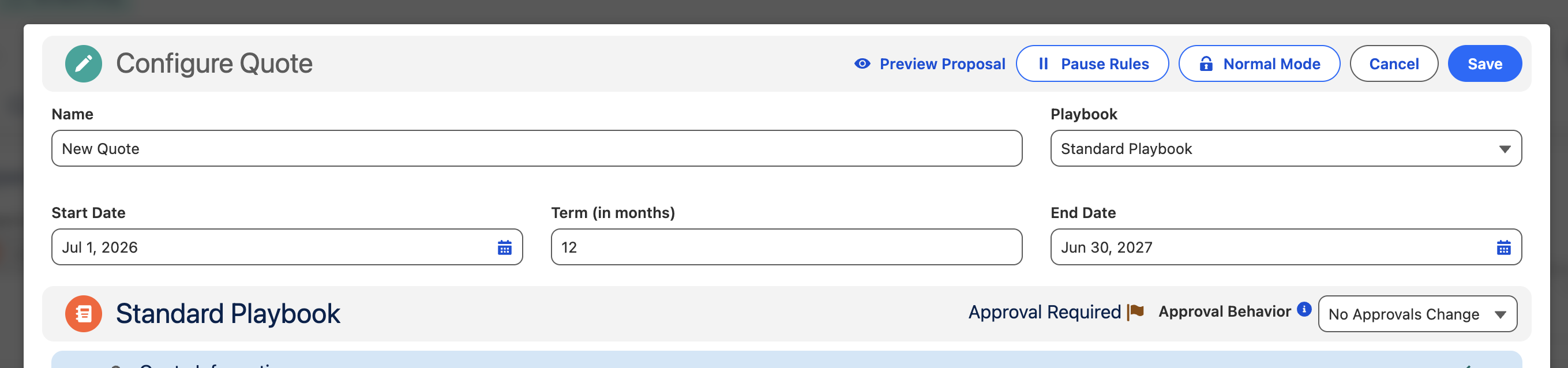
Managing Quotes
After creating a Quote, use the Quotes table in Cotiza CPQ to view, edit, sync, clone, and manage related actions.
Quotes table
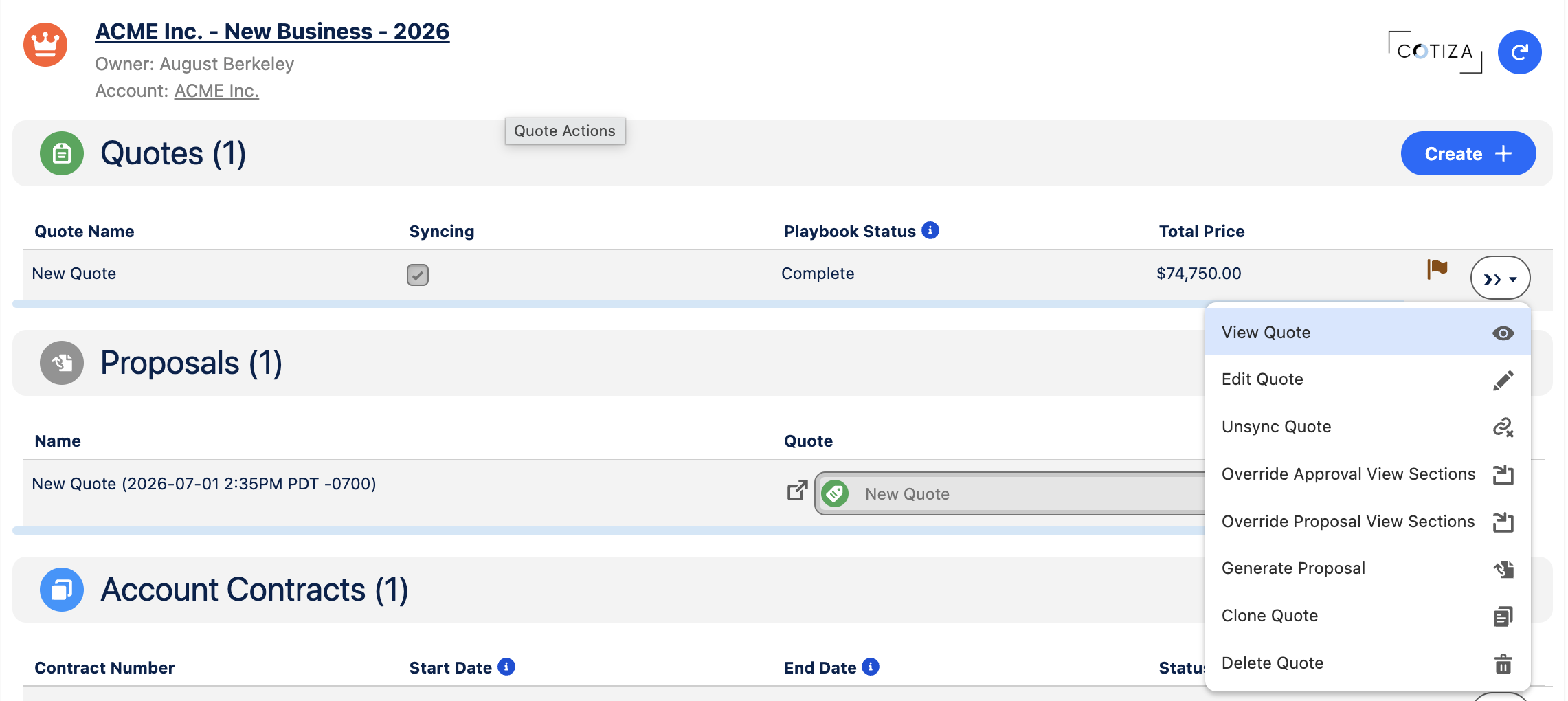
The Quotes table appears on the Opportunity CPQ view (app tab or record page component). Columns, sorting, pagination, and available actions are controlled by System Settings.
Common table actions
| Action | Purpose |
|---|---|
| View | Open the Quote in read-only mode |
| Edit | Re-enter the Playbook configuration wizard |
| Sync | Sync Quote fields and line items to the parent Opportunity |
| Proposal | Open the proposal preview and generation UI |
| Clone | Create a copy of the Quote configuration |
| Delete | Remove the Quote |
Your admin controls which actions appear via Quote Table Actions on System Settings.
Editing an existing Quote
- Select Edit on the Quote row.
- The Playbook configuration UI opens with current answers, products, and approvals loaded.
- Make changes and Save.
If a Quote was previously approved, approvals may need to be resubmitted depending on Playbook Approval configuration. Approvals marked Persistent do not require re-approval after edits.
Syncing to Opportunity
Sync pushes data from the Quote to the parent Opportunity:
- Quote field values map to Opportunity fields via Opportunity Field Mapping custom metadata
- Quote Line Items map to Opportunity Products via OppLineItem Field Mapping
Sync is typically performed before closing the deal or creating a Contract.
Cloning quotes
Clone creates a new Quote with the same Playbook configuration. Use this for similar deals or to iterate on a prior configuration without modifying the original.
Shell quotes
When previewing a proposal while editing a Quote, Cotiza may create a temporary Shell Quote. Shell quotes:
- Are flagged with Shell Quote on the Quote record
- Receive draft watermarks on generated proposals
- Are not intended for customer delivery
- Do not reuse existing Playbook Answer record IDs; answers are treated as new records when the shell quote is saved
Quote approval status
The Quote Approval Status field tracks the overall approval state:
| Status | Meaning |
|---|---|
| Not Submitted | No active approval submission |
| Submitted | Awaiting approver action |
| Approved | All required approvals satisfied |
| Rejected | An approver rejected the Quote |
| Recalled | Submitter recalled the submission |
| Cancelled | Approval process cancelled |
Pausing rules (Power Users)
Users with CPQ Power User access can pause the rules engine while editing a Quote. This prevents Playbook Rules from firing during configuration—useful when debugging complex playbooks.