Contracts and Amendments
Cotiza CPQ extends beyond the initial Quote to manage Contracts, entitlements, and ongoing subscription changes.
Creating a Contract
After a deal is won:
- Ensure the Quote is synced to the Opportunity.
- Ensure required approvals are satisfied.
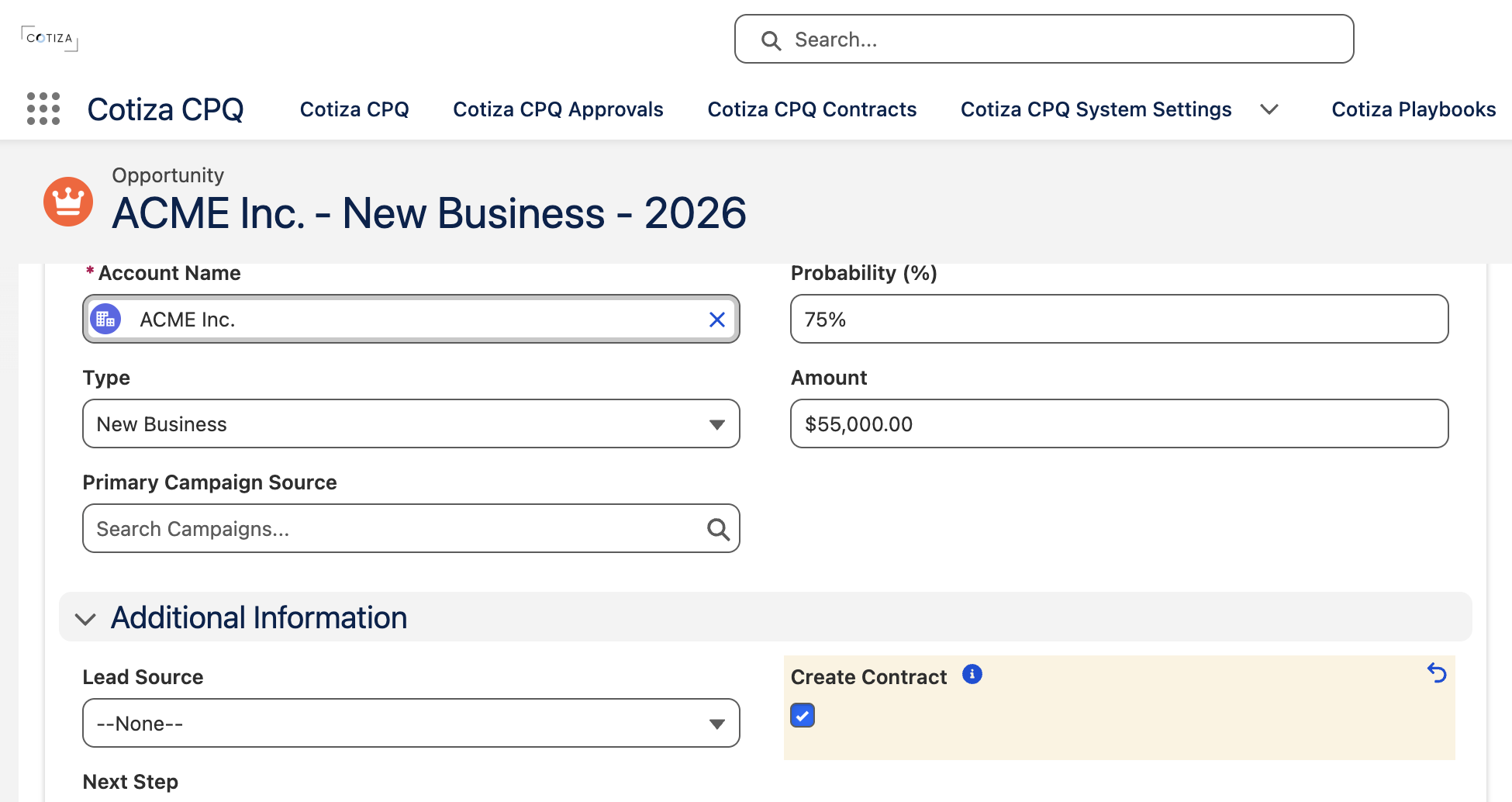
- Set Create Contract on the Opportunity from
falsetotrue.
Cotiza automation then:
- Creates or updates a Contract record
- Generates Contract Entitlement records from Opportunity Products
- Stores Contract Playbook Answer records from the Quote's Playbook answers
Field mappings from Opportunity Products to Contract Entitlements are controlled by Entitlement Field Mapping custom metadata.
Viewing contracts
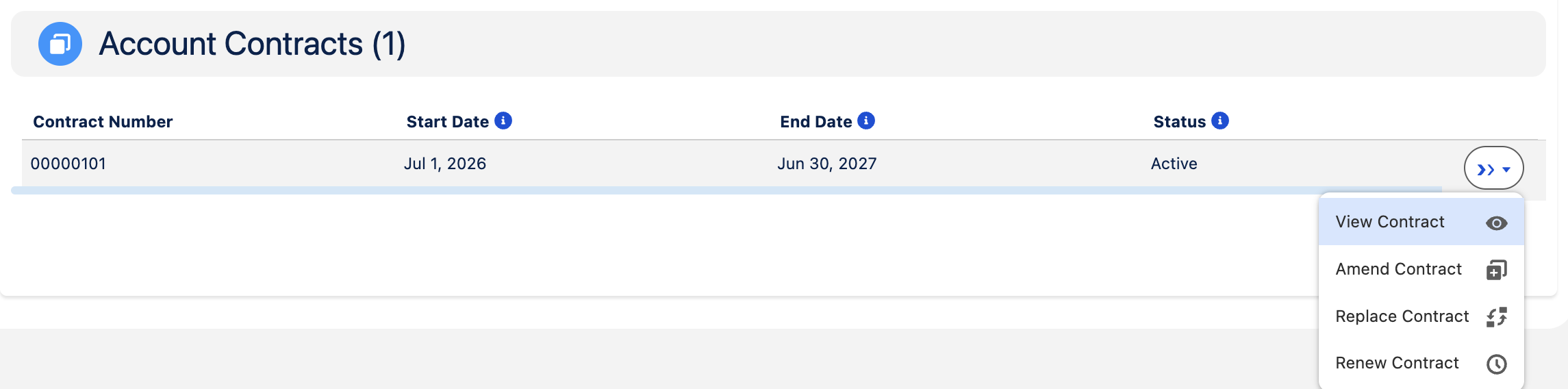
Open Cotiza CPQ Contracts in the App Launcher, or use Cotiza Account Contracts on an Account record page.
The Contracts table shows all contracts for the selected Account, including a snapshot of the most active contract when enabled in System Settings.
Contract table actions
| Action | Purpose |
|---|---|
| View | Inspect contract configuration and entitlements |
| Amend | Create a Quote to modify the existing contract |
| Replace | Create a Quote that replaces the contract |
| Renew | Create a Quote to renew the contract |
| Void | Void the contract (requires Contracts Power User) |
Available actions are controlled by Contract Table Actions on System Settings.
Adjustment types
When creating a Quote from a Contract, the Quote receives an Adjustment Type:
| Type | Use case |
|---|---|
| Amendment | Modify products, quantities, or terms on an existing contract |
| Replacement | Replace the contract with a new configuration |
| Renewal | Renew at end of term |
Renewal pricing defaults
When a Quote is created from a Contract with Renewal adjustment type, entitlement-sourced line items derive full-term pricing from the underlying contract entitlements rather than prorated list/unit values. CPQ calculates quantity-weighted base list price, base unit price, and discount from the entitlement records (including any adjustment entitlements) and uses those values as the starting point for renewal configuration.
Playbook changes are not allowed during Amendment scenarios. Plan playbooks to support amendment, replacement, and renewal flows within a single Playbook where possible.
See How Many Playbooks?.
Entitlements
Contract Entitlements represent entitled products on a Contract. During amendments, entitlements may be combined according to Entitlement Combination Mapping rules (Sum, Sum Product, Max, Min, Newest, Oldest, Average, Custom formulas).
The Entitlement Summary view in Quote configuration compares contract entitlements to proposed changes.
Amendments maintain contract
System Settings Amendments Maintain Contract controls amendment behavior:
- TRUE — Amendments update the existing Contract and adjust entitlements in place
- FALSE — Each amendment creates a new Contract record, preserving full history
Force quote from contract
When Force Quote From Contract is enabled on System Settings, users must create adjustment Quotes from the Contract UI rather than starting net-new Quotes on Opportunities without contract context.
Contract Playbook Answers
During replacement or renewal scenarios where the Playbook differs from the original contract, Playbook Rules can pull values from Contract Playbook Answers to pre-populate the new Quote configuration.