Contracts Lifecycle
This admin guide covers Contract creation, adjustment configuration, and entitlement management.
Contract creation flow
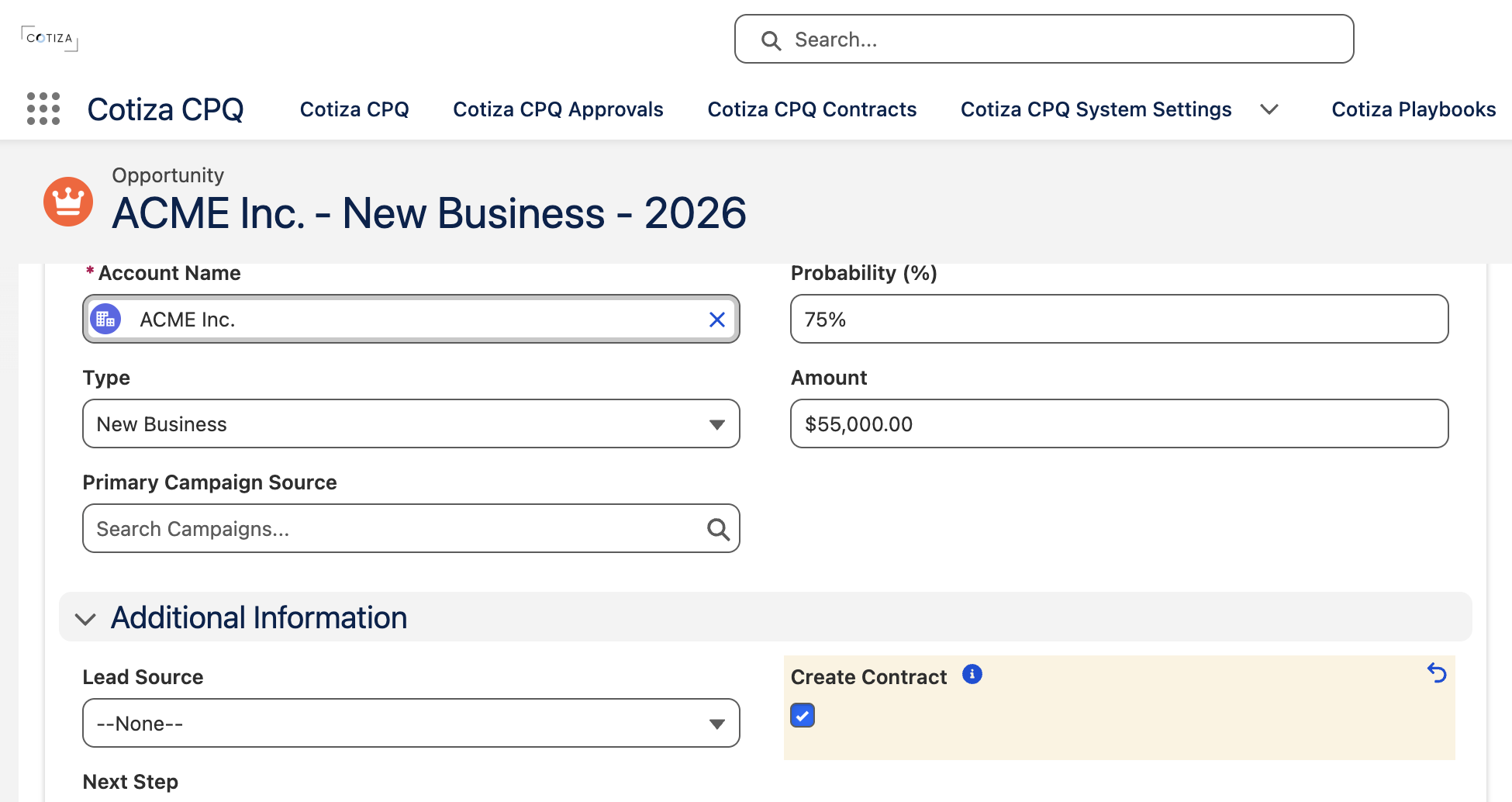
One checkbox on the Opportunity kicks off everything below. Read the diagram top to bottom: the trigger runs once, then Cotiza creates three related record types in parallel.
Create Contract on Opportunity is an automation flag. When changed from false to true, Apex triggers:
- Create or update the Contract
- Map Opportunity Products to Contract Entitlements
- Store Playbook answers on Contract Playbook Answer records
System Settings for contracts
| Setting | Purpose |
|---|---|
| Amendments Maintain Contract | Amend in place vs. create new Contract per amendment |
| Force Quote From Contract | Require contract-sourced Quotes for adjustments |
| Contract Table Display Columns | Columns on Contracts UI |
| Contract Table Actions | Amend, Replace, Renew, Void, View |
| Show Most Active Contract Snapshot | Account page snapshot widget |
See System Settings.
Adjustment types
| Type | Contract behavior |
|---|---|
| Amendment | Modify existing deal; playbook cannot change |
| Replacement | New deal structure; may switch playbook with Contract Playbook Answer support |
| Renewal | Extend term; contract status reflects renewal chain |
Renewal Quotes derive full-term pricing defaults from underlying contract entitlements rather than prorated list/unit values. See Contracts and Amendments (User).
Quote and Contract records store Adjustment Type and Adjustment of Contract (lookup to source Contract).
Entitlement creation
When a Contract is created, Opportunity Products map to Contract Entitlements using:
- Default mappings in
Static_Values.cls - Custom Entitlement Field Mapping records
Entitlement combination
During amendments, multiple entitlements may merge into one. Entitlement Combination Mapping defines how field values combine:
| Operation | Behavior |
|---|---|
| Sum | Add numeric values |
| Sum Product | Evaluate the Custom Operation Formula for each adjustment entitlement and sum the results |
| Min / Max | Take minimum or maximum |
| Newest / Oldest | Take value from newest or oldest entitlement |
| Average | Average numeric values |
| Custom | Formula using piped entitlement field tokens |
Custom formulas support comparison operators and ternary expressions in addition to standard arithmetic.
Example custom formula: {%Cotiza__Base_Unit_Price__c%} * {%Cotiza__Proration__c%}
Example discount formula (package default): {%Cotiza__SubTotal_Price__c%} !== 0 ? 1 - ({%Cotiza__Total_Price__c%} / {%Cotiza__SubTotal_Price__c%}) : 0
Contract void
Voiding a Contract requires Contracts Power User access. Voided contracts remain in the system for audit but are no longer active for amendments.
Playbook design for contracts
- Avoid separate playbooks per adjustment type (see How Many Playbooks?)
- Use Rules to pull Contract Playbook Answers when playbooks change during replacement
- Configure Contract View Display Fields on the Playbook for the contract inspection UI