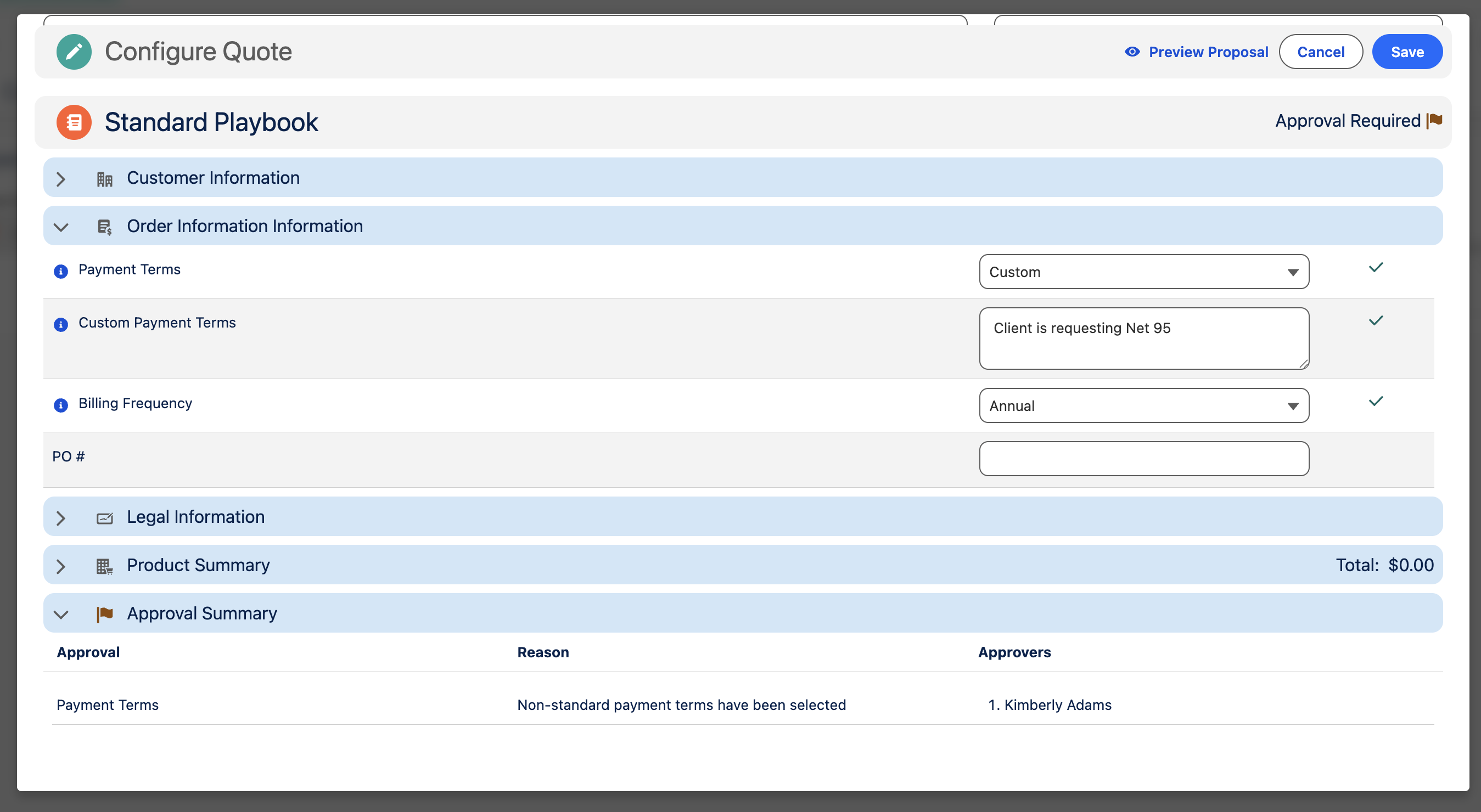
Approvals
Cotiza CPQ approval workflows are configured with Playbook Approval records and enforced when users submit Quotes.
Configuration objects
| Object | Role |
|---|---|
| Playbook Approval | Defines when approval is required |
| Playbook Approver Group | Ordered segments of approvers |
| Playbook Approver | Individual user or manager-chain approver |
| Playbook Scenario | Conditions triggering the approval |
Playbook Approval settings
| Field | Behavior |
|---|---|
| Playbook Scenario | Scenario that must be met (blank = always enforced) |
| Inverse Scenario | Enforce when scenario is NOT met |
| Is Active | Enable/disable without deleting |
| Label / Reason | Displayed to users in CPQ and emails |
| Require Notes | Submitter must provide notes at submission |
| Persistent Approval | Approved approvals survive Quote edits without re-approval |
| Require Individual Approval | Each approval must be acted on separately (disables bulk approver propagation) |
| Approval Emails To Send | Control Submitted, Recalled, Approved, Rejected email scenarios |
Approver configuration
Named approvers
Link a User on Playbook Approver. Used when a specific person must approve.
Manager approvers
Set Manager Approver Level (1st through 5th line manager) to resolve the approver from the Opportunity Owner's management chain at Quote save time. Overrides any named User on the record.
Approver groups
Approver Groups segment the approval path with Execution Order. Each group contains one or more Approvers. All groups in an approval must be satisfied for the approval to complete.
Runtime records
On submission, Cotiza creates:
| Record | Maps from |
|---|---|
| Quote Approval | Playbook Approval |
| Quote Approval Step | Playbook Approver Group |
| Quote Approver | Playbook Approver |
Quote Approval Status rolls up: Not Submitted → Submitted → Approved / Rejected / Recalled / Cancelled.
Non-individual approval propagation
By default, when an approver approves or rejects one step, the same decision applies to all pending approvals on that Quote where they are the assigned approver. Enable Require Individual Approval on specific Playbook Approvals to disable this behavior.
Approval emails
Email templates render View Sections configured for approval emails. Sections linked to a Playbook Approval appear in emails—not in proposal PDFs.
Piped approval tokens ({%Approval.approver%}, etc.) are documented in View Sections and Proposals.
System Settings Approval Allowed Override Fields defines Quote fields submitters may override when submitting.
Approvals Hub
Users manage approvals from the Cotiza CPQ Approvals tab. See Acting as an Approver.
Approvals Power Users can act on any approval regardless of assignment.
Setup checklist
- Define Scenarios for conditions requiring approval
- Create Playbook Approval records with labels and reasons
- Add Approver Groups in execution order
- Add Approvers (named users or manager levels) to each group
- Configure email notification settings
- Test submit → approve → reject flows in sandbox
- Optionally configure approval email View Sections